The Story
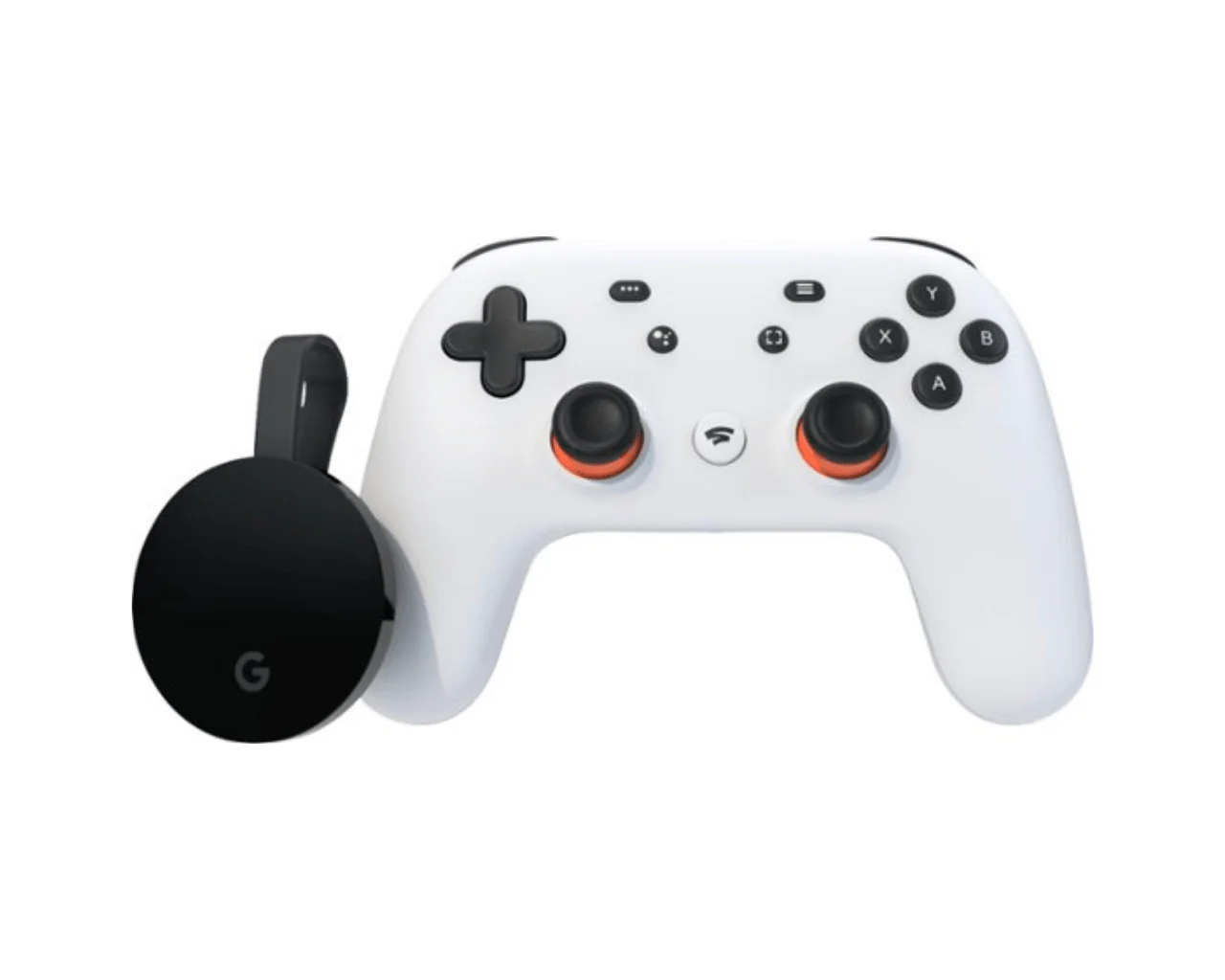
Google Stadia Controller

Spend more time playing and less time waiting.
With Stadia, you’re ready to play your favorite games in seconds. No more waiting for game downloads, updates, or installs.
Choose your favorite screens to play on.
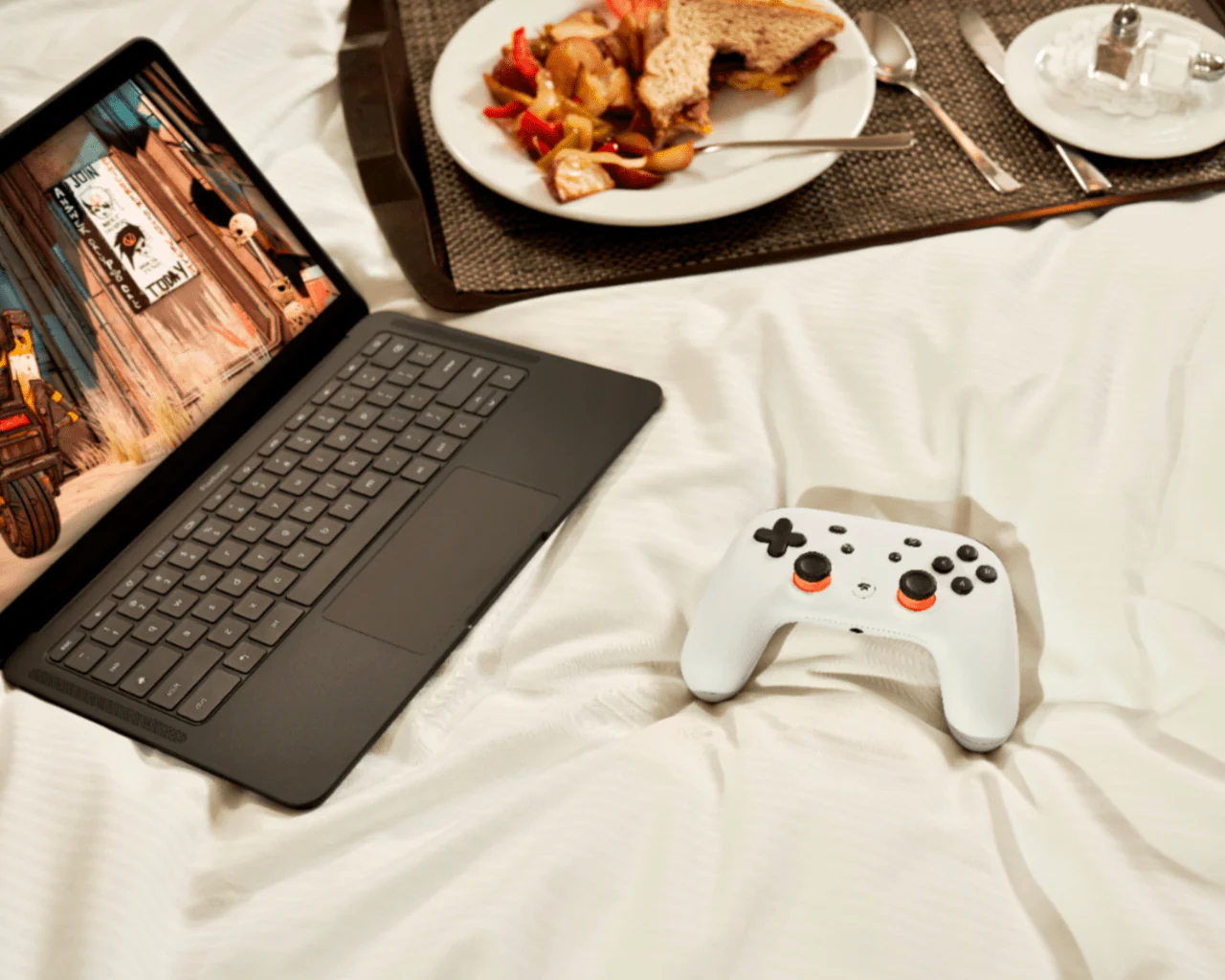
You pick the screens where you play: laptops, desktops, compatible phones and tablets, and TVs with Chromecast Ultra – it’s up to you.
Free games right now.
With a free one-month trial of Stadia Pro1, new users can start building a collection of great games right away. Try them for a month, then choose to keep playing them with your Stadia Pro subscription for $9.99 a month.
Play on screens you already own.
Stadia Premiere Edition2 brings Stadia to your TV3. You can also pick up and play Stadia on compatible phones, laptops, desktops and tablets4.
1Stadia account required. See support.google.com/stadia?p=pro_trial for terms and conditions.
2Stadia Premiere Edition offer available while supplies last. Stadia reserves the right to change or cancel the offer at any time.
3Chromecast Ultra requires a TV with an HDMI port, a Wi-Fi network and a compatible (Android or iOS) mobile device.
Minimum OS requirements are at g.co/cast/req. Availability and performance of features and services are application-, device-, and network-dependent and may not be available in all areas.
More information is available at the Chromecast Help Center. Stadia Controller requires a Wi-Fi® network and a mobile device running Android 6.0, Marshmallow or later, or iOS 11 or later.
All features, functionality, and other product specifications are subject to change without notice. Additional terms, conditions, and/or charges may apply.
| Specifications: | |
| Voice Assistant Built-in |
|
| Number Of USB Port(s) |
|
| Smart Capable |
|
| Motion-Sensing Technology |
|
| Games Included |
|
| What's in the Box? |
|
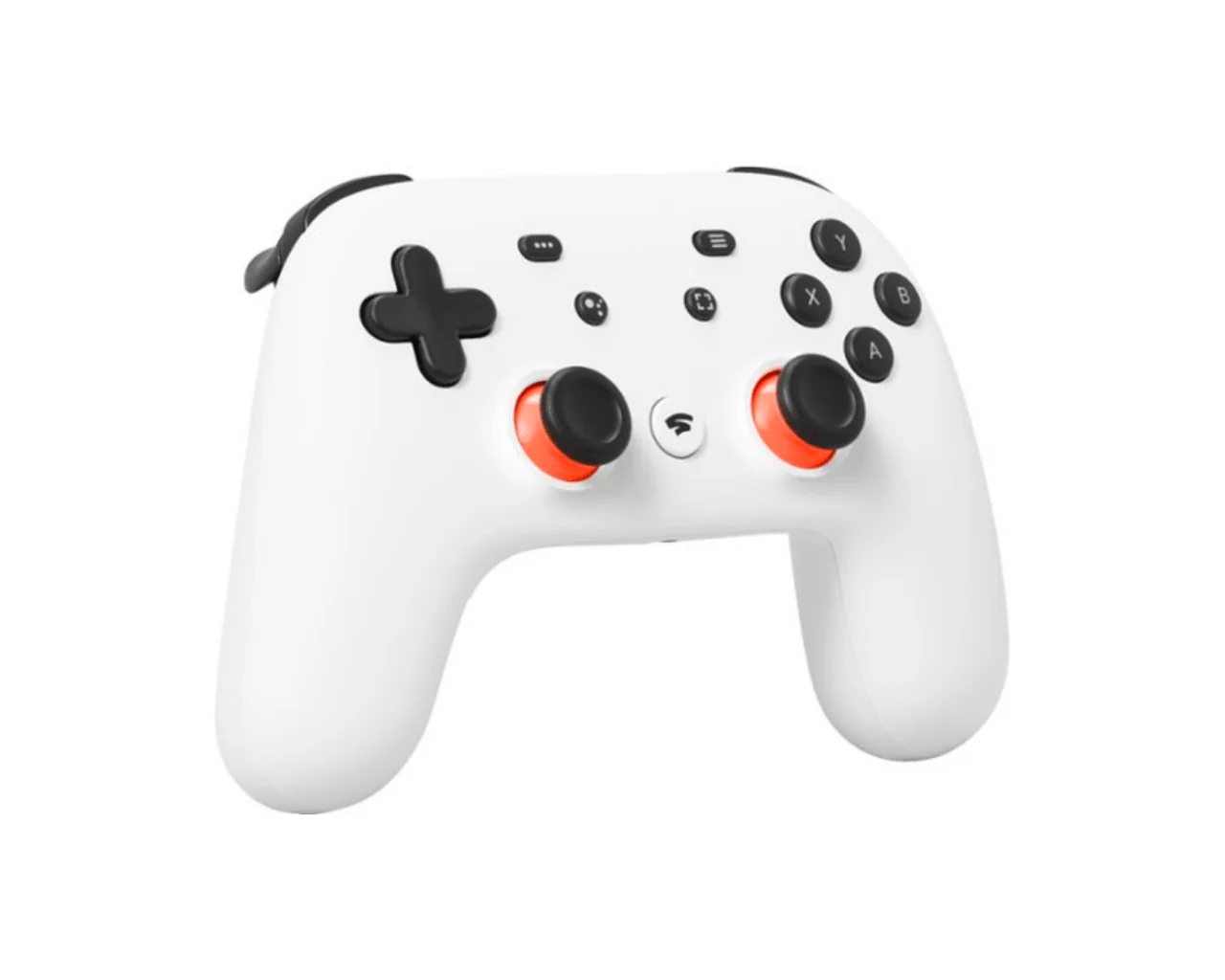
Details & Craftsmanship
Every detail has been carefully considered to bring you the perfect product.
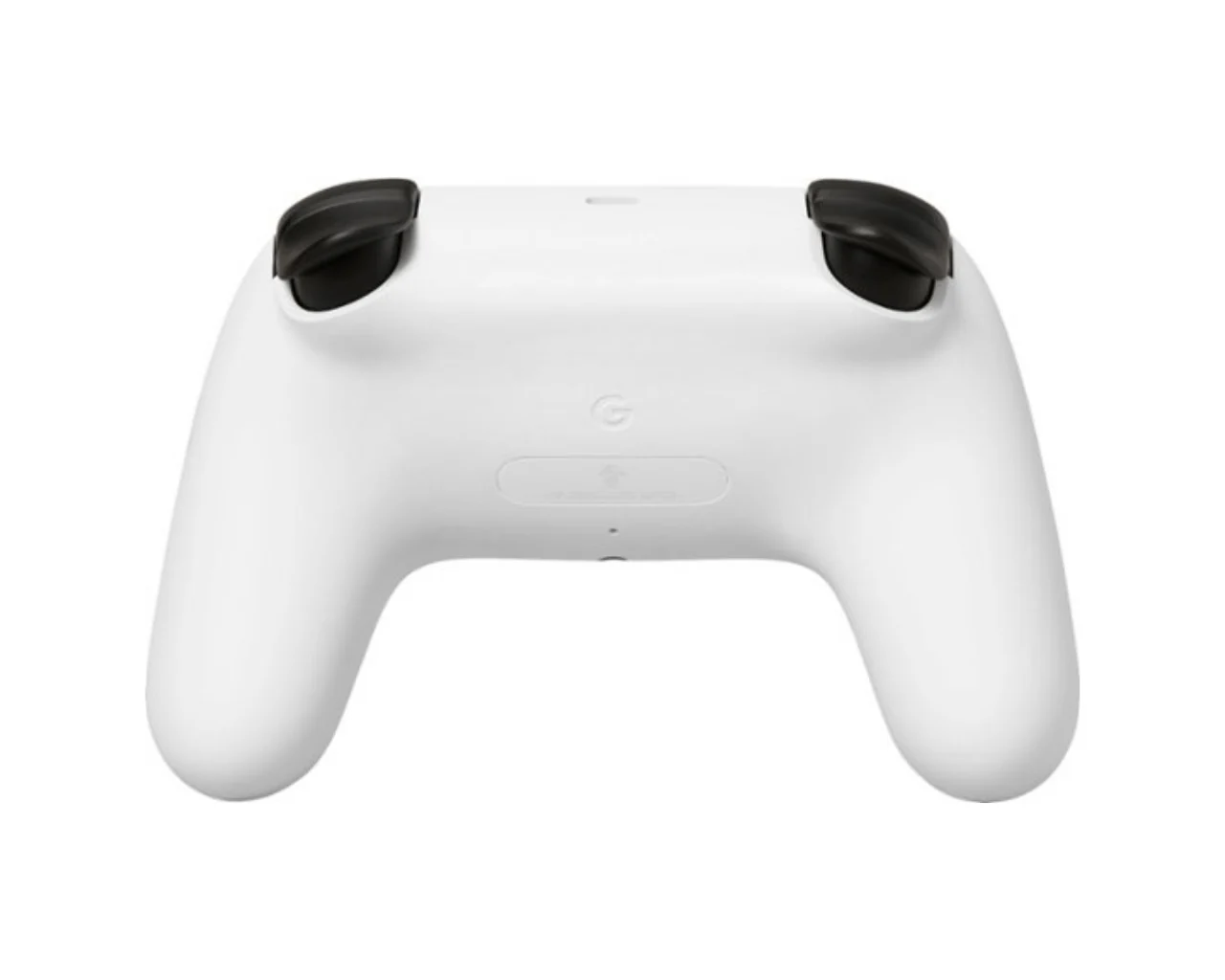
Details & Craftsmanship
Every detail has been carefully considered to bring you the perfect product.
Details & Craftsmanship
Every detail has been carefully considered to bring you the perfect product.
Description
Google Stadia Controller
Spend more time playing and less time waiting.
With Stadia, you’re ready to play your favorite games in seconds. No more waiting for game downloads, updates, or installs.
Choose your favorite screens to play on.
You pick the screens where you play: laptops, desktops, compatible phones and tablets, and TVs with Chromecast Ultra – it’s up to you.
Free games right now.
With a free one-month trial of Stadia Pro1, new users can start building a collection of great games right away. Try them for a month, then choose to keep playing them with your Stadia Pro subscription for $9.99 a month.
Play on screens you already own.
Stadia Premiere Edition2 brings Stadia to your TV3. You can also pick up and play Stadia on compatible phones, laptops, desktops and tablets4.
1Stadia account required. See support.google.com/stadia?p=pro_trial for terms and conditions.
2Stadia Premiere Edition offer available while supplies last. Stadia reserves the right to change or cancel the offer at any time.
3Chromecast Ultra requires a TV with an HDMI port, a Wi-Fi network and a compatible (Android or iOS) mobile device.
Minimum OS requirements are at g.co/cast/req. Availability and performance of features and services are application-, device-, and network-dependent and may not be available in all areas.
More information is available at the Chromecast Help Center. Stadia Controller requires a Wi-Fi® network and a mobile device running Android 6.0, Marshmallow or later, or iOS 11 or later.
All features, functionality, and other product specifications are subject to change without notice. Additional terms, conditions, and/or charges may apply.
| Specifications: | |
| Voice Assistant Built-in |
|
| Number Of USB Port(s) |
|
| Smart Capable |
|
| Motion-Sensing Technology |
|
| Games Included |
|
| What's in the Box? |
|