
Original: $17.95
-70%$17.95
$5.38The Story
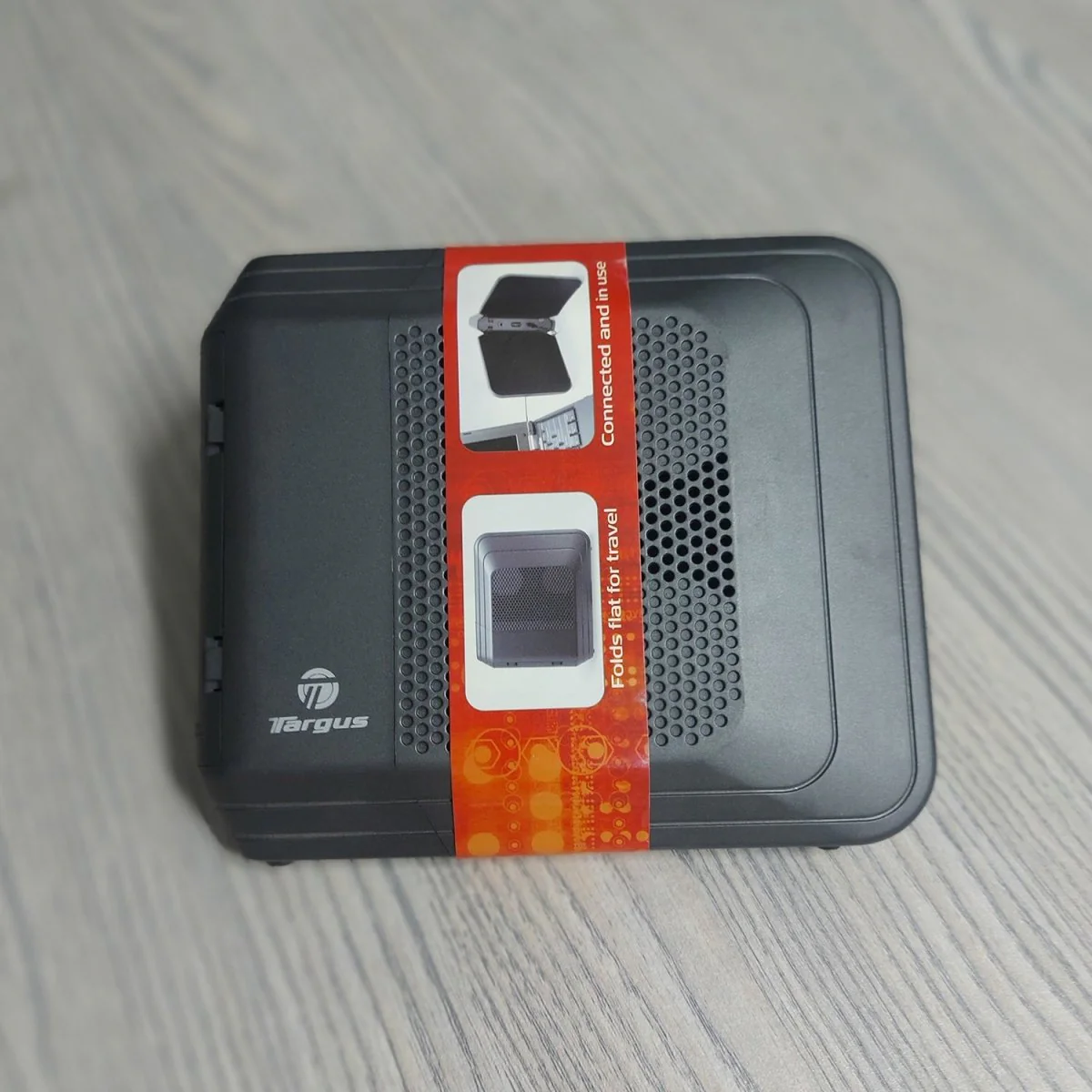
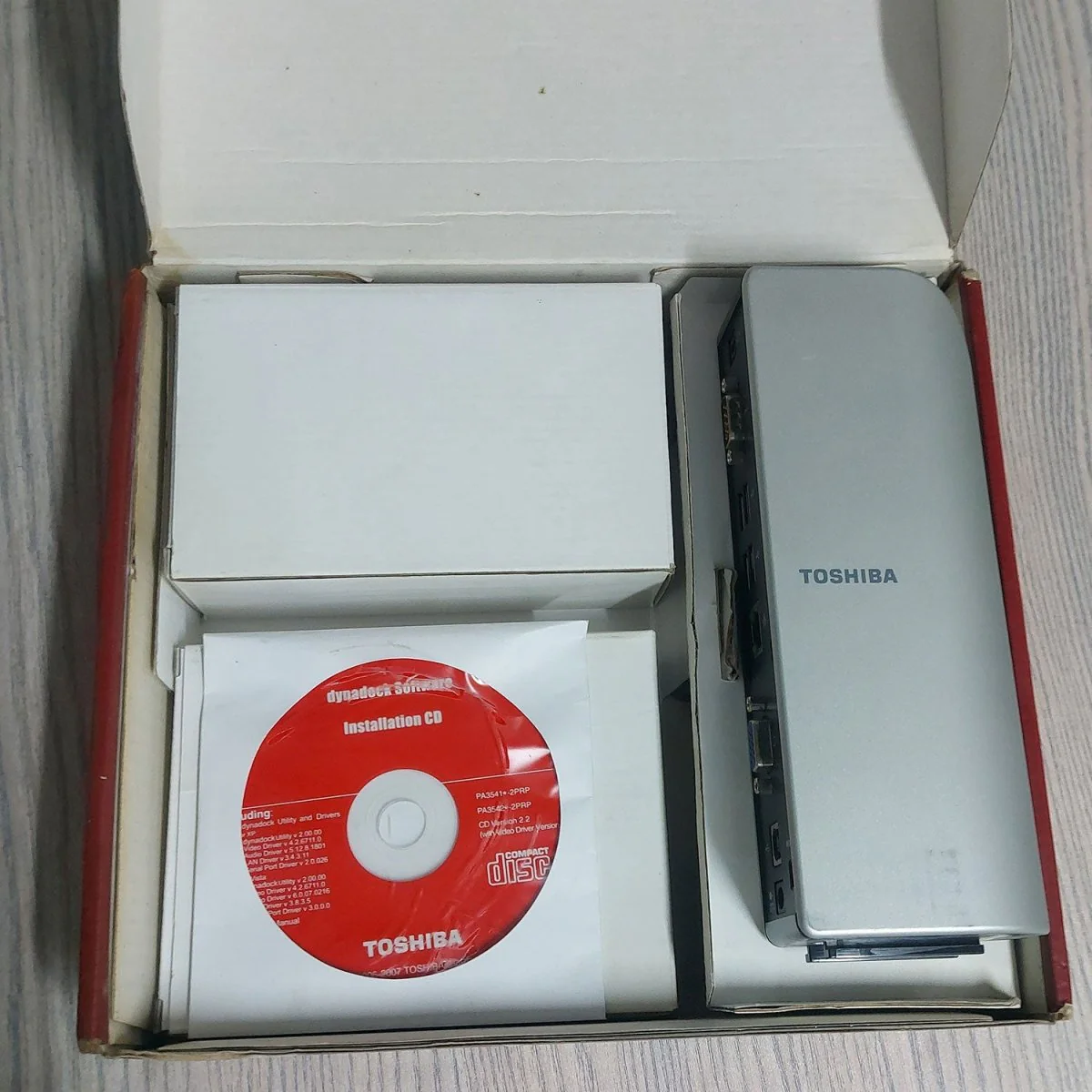
Toshiba Dynadock USB Docking Station with Video Port
he dynadock USB Docking Station with VGA Port from Toshiba allows you to dock your USB-equipped notebook computer at your desk without disconnecting several cables. Simply connect your peripherals to the docking station and connect one USB cable between it and your laptop. This is a great solution for the professional who uses a laptop as their primary computer at the office and on the go.
Vista users should note, that this item has limited functionality with the operating system. It does not support extended desktop or Aero graphics in Vista. You will be limited to mirrored desktop without Aero.

Laptop to DesktopThe docking station allows you to easily use your notebook computer just like a desktop computer. It features connections for six USB devices, a standard network connection, headphones, microphone, S/PDIF optical audio, serial, and VGA video. Simply add your laptop to the mix, and you won't be able to tell the difference between using it and a standard desktop computer. |
Triple Display ConfigurationThe docking station allows you to use up to three displays simultaneously: your notebook's built-in LCD, a display connected to the notebook's VGA or DVI port, and a display connected to the docking station VGA port. |
Quick ConnectionYou can easily connect and disconnect your laptop from the docking station with one cable. This saves a lot of time that is spent looking for cables and making sure they are going into the right port on your laptop, as well as the time that is spent disconnecting cables when you need to take your computer with you. |
UniversalCompatible with any brand of Windows-based computers, |

Details & Craftsmanship
Every detail has been carefully considered to bring you the perfect product.
Details & Craftsmanship
Every detail has been carefully considered to bring you the perfect product.
Description
Toshiba Dynadock USB Docking Station with Video Port
he dynadock USB Docking Station with VGA Port from Toshiba allows you to dock your USB-equipped notebook computer at your desk without disconnecting several cables. Simply connect your peripherals to the docking station and connect one USB cable between it and your laptop. This is a great solution for the professional who uses a laptop as their primary computer at the office and on the go.
Vista users should note, that this item has limited functionality with the operating system. It does not support extended desktop or Aero graphics in Vista. You will be limited to mirrored desktop without Aero.
Laptop to DesktopThe docking station allows you to easily use your notebook computer just like a desktop computer. It features connections for six USB devices, a standard network connection, headphones, microphone, S/PDIF optical audio, serial, and VGA video. Simply add your laptop to the mix, and you won't be able to tell the difference between using it and a standard desktop computer. |
Triple Display ConfigurationThe docking station allows you to use up to three displays simultaneously: your notebook's built-in LCD, a display connected to the notebook's VGA or DVI port, and a display connected to the docking station VGA port. |
Quick ConnectionYou can easily connect and disconnect your laptop from the docking station with one cable. This saves a lot of time that is spent looking for cables and making sure they are going into the right port on your laptop, as well as the time that is spent disconnecting cables when you need to take your computer with you. |
UniversalCompatible with any brand of Windows-based computers, |